




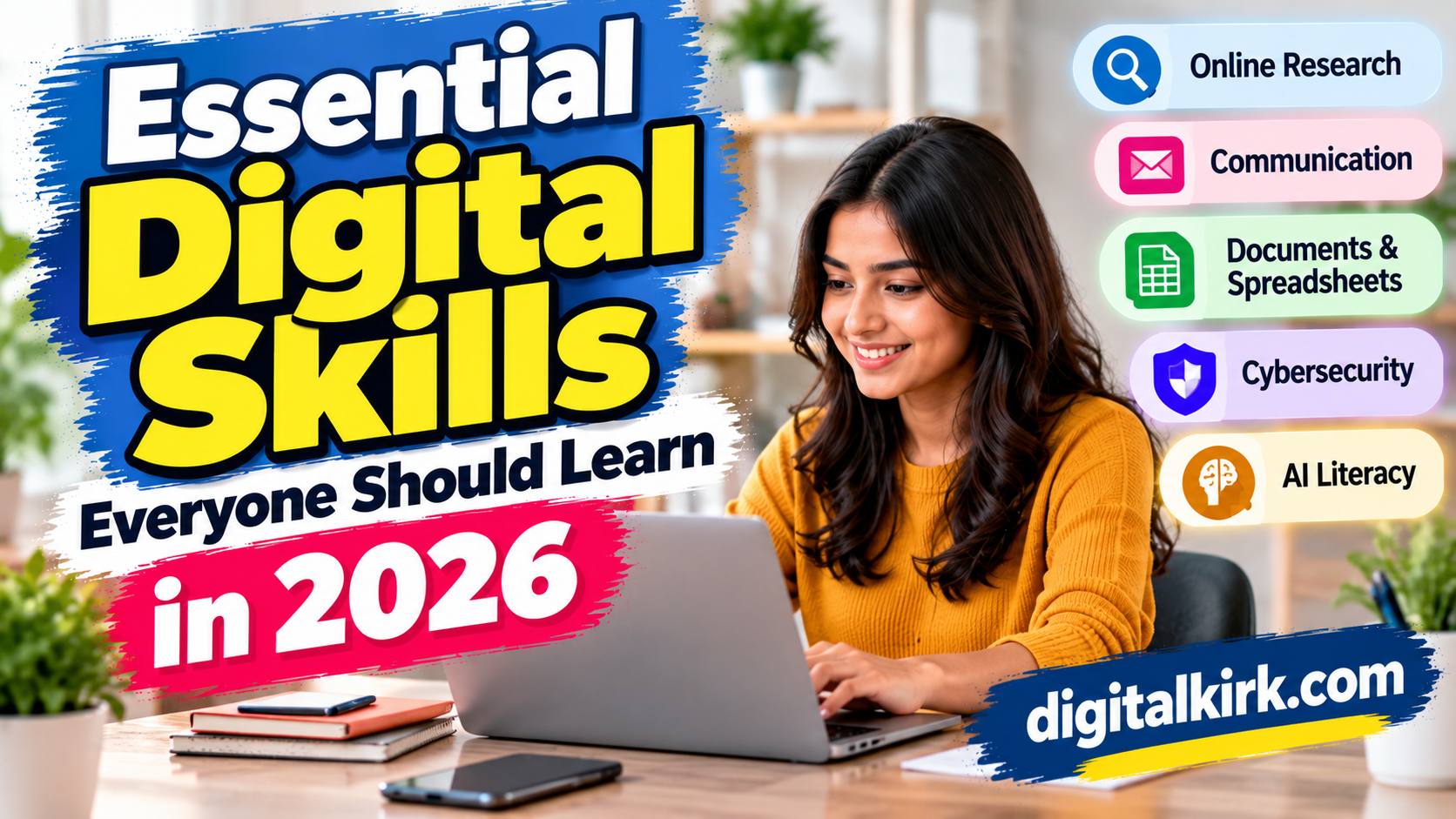
Digital skills are useful in almost every part of modern life. People use digital tools to communicate, study, manage money, apply for jobs, run businesses, and complete everyday tasks.
You do not need to be a programmer or technology expert to become digitally confident. Learning a few practical skills can help you work more efficiently, protect your personal information, and adapt to new opportunities.
Here are ten digital skills worth developing in 2026.
1. Online Research and Fact-Checking
Knowing how to find reliable information is more important than simply knowing how to search.
Use specific search terms, compare multiple credible sources, check publication dates, and look for the original source behind important claims. Be especially careful with viral posts, sensational headlines, and AI-generated answers.
Try this: Before sharing a surprising claim, check whether reputable sources independently confirm it.
2. Email and Professional Communication
Email remains important for job applications, client communication, education, and business.
Learn how to write clear subject lines, organize messages into short paragraphs, attach the correct files, and use a professional tone. You should also recognize suspicious messages asking for passwords, payments, or urgent action.
Try this: Write a short, clear email explaining its purpose and the action you need from the recipient.
3. Documents and Spreadsheets
Word processors and spreadsheets help people create reports, organize information, calculate totals, and track expenses.
Useful skills include formatting documents, using spreadsheet formulas, sorting data, applying filters, and creating simple charts. These abilities can be valuable for office work, freelancing, study, and personal budgeting.
Try this: Build a monthly expense spreadsheet with categories, totals, and a simple chart.
4. Cybersecurity Basics
Digital confidence includes knowing how to protect accounts and devices.
Use unique passwords, enable multifactor authentication where available, install updates, and avoid opening unexpected attachments. A password manager can help you maintain different passwords without memorizing every one.
Never share one-time passwords or verification codes with someone who contacts you unexpectedly.
5. AI Literacy
AI tools can help with brainstorming, summarizing, planning, research, and drafting. To use them effectively, learn how to give clear instructions, provide relevant context, and review the output critically.
AI can produce incorrect facts, fabricated references, or outdated information. Treat generated content as a starting point, not automatic proof.
Try this: Ask an AI tool to explain a topic at three levels—beginner, intermediate, and advanced—and verify the explanation using trusted sources.
6. Cloud Storage and File Management
Cloud storage makes it possible to access files across supported devices and collaborate with other people.
Learn how to organize folders, name files consistently, manage sharing permissions, and recover earlier versions where available. Keep a backup of important files rather than depending on a single device or account.
7. Video Meetings and Online Collaboration
Remote work and online education often require video meetings and collaborative documents.
Practice muting your microphone when not speaking, sharing the correct screen or window, using chat appropriately, and protecting meeting links. When collaborating on files, understand who can view, comment on, or edit the document.
8. Privacy and Digital Footprint Awareness
Your digital footprint includes information you share publicly, information collected by services, and activity associated with your accounts.
Review privacy settings, remove unnecessary app permissions, limit public personal details, and think carefully before posting photos or sensitive information. Remember that deleting a post may not remove every copy.
9. Basic Data and Financial Literacy
Digital tools can make calculations and money management easier, but users need to understand the information they see.
Learn to read tables and charts, calculate percentages, compare prices, recognize misleading statistics, and check transaction details. When using financial apps, verify the recipient and amount before confirming a payment.
10. Adaptability and Continuous Learning
Digital tools change frequently. The ability to learn new interfaces, follow instructions, and troubleshoot simple problems is therefore valuable.
Use official help pages, beginner tutorials, and practice projects. Focus on learning transferable concepts rather than memorizing every button in a particular app.
How to Improve Your Digital Skills in 30 Days
You can start with a manageable plan:
- Week 1: Practice email, online research, and fact-checking.
- Week 2: Learn document formatting and basic spreadsheet formulas.
- Week 3: Improve account security, privacy settings, and file organization.
- Week 4: Practice using AI tools responsibly and complete a small digital project.
Spend 15–30 minutes a day practicing. Choose skills that match your current needs, such as office work, education, freelancing, or running a small business.
Conclusion
Digital skills are not only for technology professionals. Online research, communication, spreadsheets, cybersecurity, AI literacy, and file management can help people navigate daily life with greater confidence.
Start with one skill, practice it regularly, and build from there. Consistent hands-on learning is often more useful than trying to master every digital tool at once.